Documentation
8 sections walk through everything Members Only ships with. Each one starts with a quick read; click through when you need depth.
- 0101
Overview
Learn more →Members Only is the publishing pipeline for BabylonJS Market. You wrote a component in your project, it matured, you want others to use it — this is the tool that gets it there. Underneath it is
bjs inject, the reverse ofarcade eject. - 0202
Install and First Run
Learn more →Members Only ships as a subcommand of
@babylonjsmarket/cli. Install the CLI once globally, log in once, and thebjs injectcommand is on your$PATHfor every project you have. - 0303
Anatomy of a Component
Learn more →bjs injectreadssrc/components/<Name>/and copies what it finds into the pro package. The folder shape is the same onearcade ejectproduces and the same one@babylonjsmarket/arcadeships with — it's the lingua franca of this ecosystem. - 0404
Target Selection
Learn more →bjs injectroutes into one of two namespaces. The choice —arcadeorviz— is the first thing the tool resolves, and the rest of the run depends on it. - 0505
Inject in Practice
Learn more →A worked example, end to end. The component is
Bouncer— a small Component+System pair that reflects an entity's velocity off a surface normal. It lives in your project. You want it in thearcadelibrary. - 0606
Publish as a Product
Learn more →bjs injectis step 1 of 3 in the member publishing flow. By itself it submits your component for curator review. The product page — the thing buyers see, the thing that takes payment — comes from steps 2 and 3. - 0707
Round-trip with Eject
Learn more →Once your component is in the
@babylonjsmarket/arcadelibrary, a downstream consumer can pull it into their project the same way they pull anything else out of the arcade library — witharcade eject. The shape of that round-trip is the contract you sign by publishing. - 0808
Troubleshooting
Learn more →The errors
bjs injectactually emits, in the order you're most likely to see them, with what they mean and what to do.
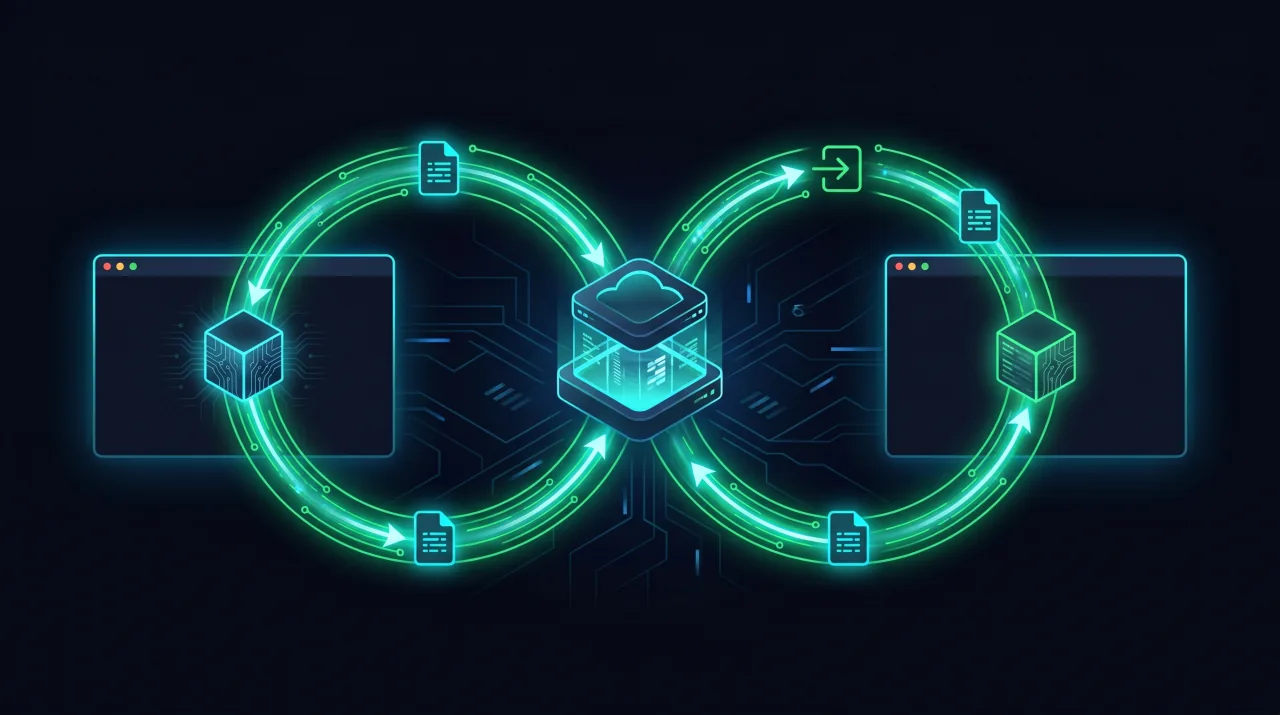
Reverse of arcade eject
If you've used `arcade eject` to pull a component out of the library for editing, you already know the shape. bjs inject runs the same rewrites in the other direction: imports come back to package subpaths, the project copy stays valid, and your new home is one of the two library namespaces — arcade or viz.

Auto-detect target
Run `bjs inject Foo` and the tool decides whether Foo belongs in arcade or viz. A file extending `PanelDebuggerSystem`, a file importing `@babylonjsmarket/viz`, or a Solid `.tsx` tips the routing. Override with `--target` when you know better.

Per-layer routing for viz
viz is flat: every file lives under `core`, `solid`, or `ecs`. The tool reads each `.ts`/`.tsx` and routes it on the spot — Solid panels to `solid`, System and Component subclasses to `ecs`, the rest to `core`. Tests follow their subject's layer.
Registry + barrel patched for you
arcade injection appends a lazy resolver line to `src/registry.ts`. viz injection appends `export * from './<File>';` to the matching layer barrel. Both patches are idempotent: re-running the same inject doesn't duplicate entries.
Dry-run preview
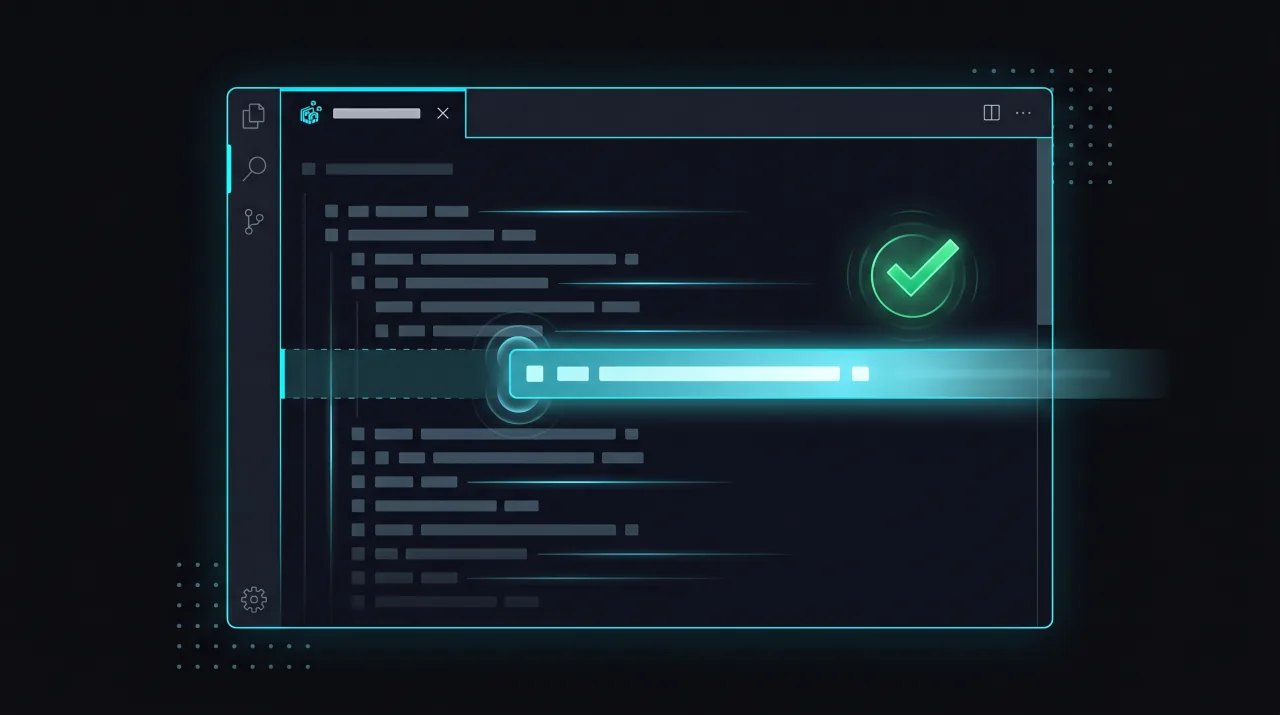
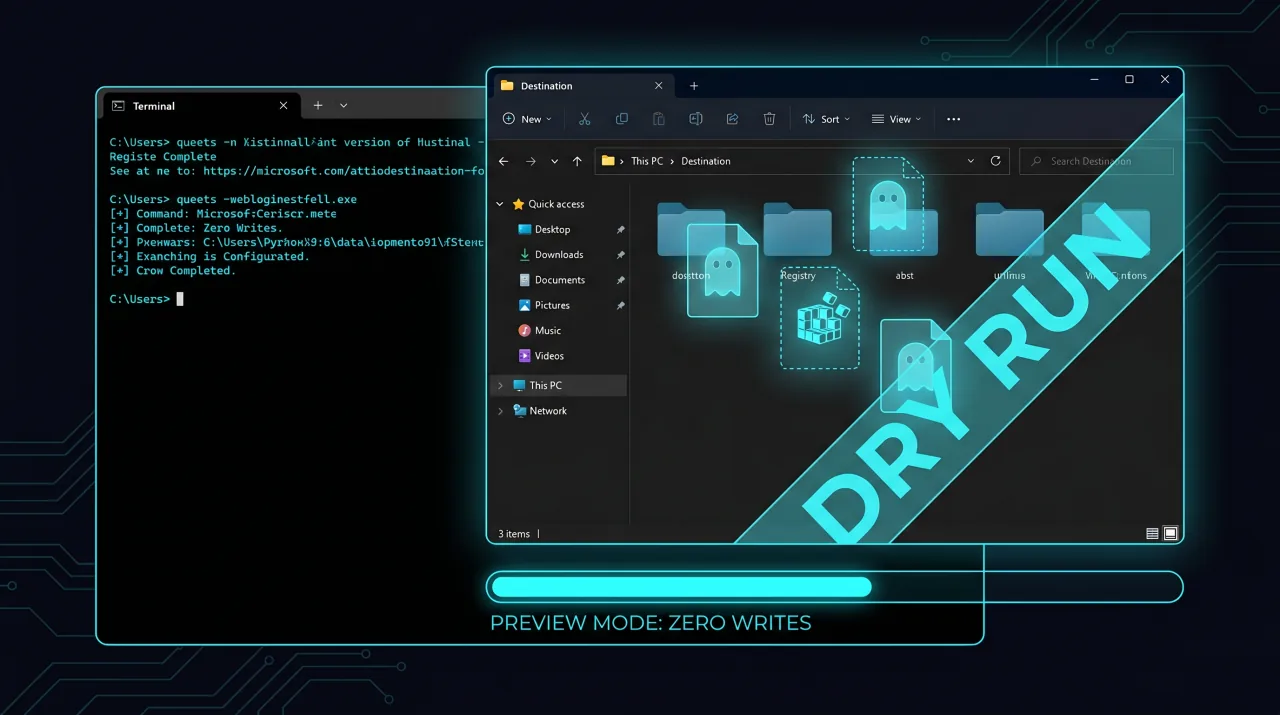
Pass `--dry-run` to see the full plan with zero writes — the resolved target, the closure of components that come along for the ride, every file that would be copied, every registry line that would land. Confidence first, edits second.
Symmetric round-trip with eject
Once your component lives in the arcade or viz library, a downstream consumer can pull it back into their project with `arcade eject <YourThing>`. Imports rewrite symmetrically. Their copy is editable; your published copy keeps living in the library. The round-trip is the contract.